EquiView Blog
SEBI Accessibility Compliance Checklist for Stockbrokers
Quick answer: SEBI's digital accessibility mandate requires stockbrokers to make their trading websites, apps, and investor-facing digital documents accessible to people with disabilities, aligned with WCAG 2.2 Level AA. Compliance requires action across five areas: platform accessibility (web + mobile), document accessibility (contract notes, statements), staff training, grievance redressal processes, and ongoing audit documentation. This checklist breaks each area into actionable items.
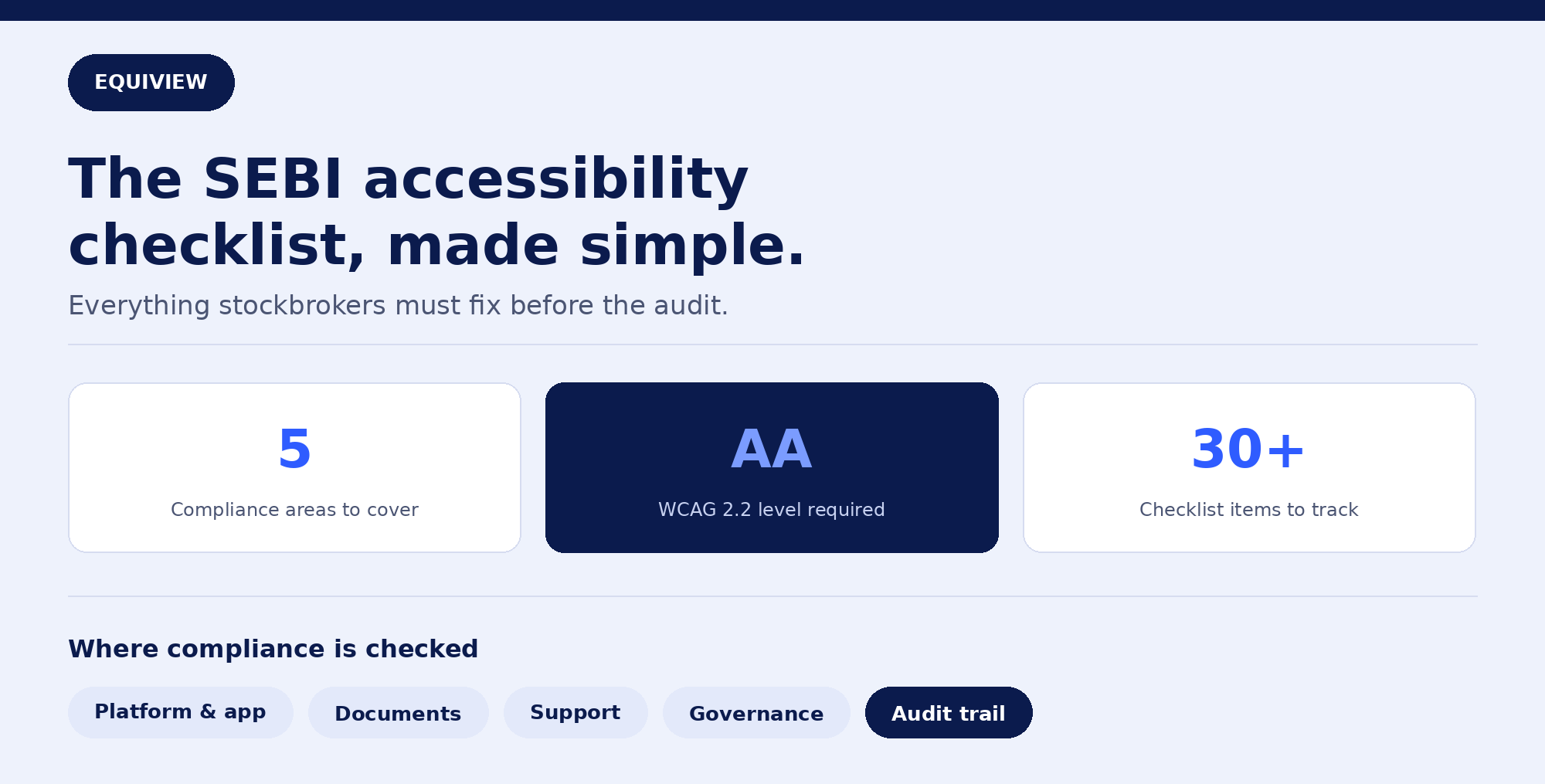
Indian stockbrokers are now expected to treat digital accessibility as a compliance requirement, not a UX nice-to-have. If you're a compliance officer, product lead, or founder at a brokerage trying to figure out exactly what "accessible" means in practice, this checklist gives you a concrete, working list rather than another summary of the regulation.
What SEBI's Digital Accessibility Mandate Actually Requires
At a high level, SEBI expects regulated entities — including stockbrokers, depository participants, and mutual fund platforms — to ensure their digital properties (websites, trading apps, and investor communications) are usable by people with disabilities, including those using screen readers, screen magnifiers, voice input, or switch devices.
The practical benchmark for "accessible" is WCAG 2.2 Level AA, the current international standard also referenced by India's own Rights of Persons with Disabilities (RPwD) Act, 2016 guidelines for ICT.
This isn't a one-time website fix. It touches product design, engineering, content, customer support, and legal/compliance functions.
The Compliance Checklist
1. Platform & Product Accessibility
- Website and web trading terminal tested against WCAG 2.2 AA (not just automated scan — manual + assistive tech testing)
- Mobile app (iOS and Android) tested separately — mobile accessibility APIs differ from web and often get missed
- All interactive elements (buy/sell buttons, filters, order forms) reachable and operable via keyboard alone
- Screen reader compatibility verified for core flows: login, KYC, fund transfer, order placement, portfolio/holdings view
- Charts, graphs, and heatmaps have a text or tabular data alternative
- Color is never the sole method of conveying information (e.g., green/red for gains/losses paired with icons or labels)
- Minimum touch target size of 24x24 CSS pixels for buttons and controls on mobile
- Forms show clear, programmatically-associated error messages — not just red borders
- Authentication (login, 2FA) has an accessible alternative to any cognitive-function test (e.g., not CAPTCHA-only)
- Users aren't forced to re-enter the same information twice within a session (e.g., KYC details)
2. Document & Communication Accessibility
- Contract notes, account statements, and tax reports available as accessible (tagged) PDFs, not scanned images
- Investor communication emails use proper heading structure and don't rely on color/images alone to convey key information
- Terms & conditions, risk disclosure documents, and onboarding forms are screen-reader compatible
- Video content (product explainers, onboarding tutorials) includes captions and, where relevant, audio descriptions
3. Customer Support & Grievance Redressal
- Support channels (chat, phone, email) are accessible and don't depend solely on a chatbot widget that's inaccessible to screen readers
- A clear process exists for users to report accessibility barriers, separate from general complaints
- Accessibility-related grievances are tracked, timestamped, and resolved within SEBI's standard grievance redressal timelines
- Support staff trained to assist customers using assistive technology (e.g., guiding a screen reader user through a stuck flow)
4. Internal Process & Governance
- Designated internal owner (compliance, product, or a cross-functional accessibility lead) for accessibility compliance
- Accessibility requirements built into the design and QA process for new features — not retrofitted after launch
- Developer and design teams trained on WCAG 2.2 basics and common trading-app accessibility patterns
- Third-party vendors (KYC providers, payment gateways, chat widgets) contractually required to meet WCAG 2.2 AA
- Regular internal audits scheduled (recommended: full audit annually, automated scans per release)
5. Documentation & Audit Trail
- Written accessibility audit report on file, including methodology, tools used, and findings
- Remediation roadmap with timelines and severity-based prioritization
- Records of user testing sessions with people with disabilities, if conducted
- Accessibility statement published on the website, describing compliance status and how to report issues
- Version history showing accessibility improvements over time, in case of regulatory review
Common Gaps Brokers Overlook
Based on how most accessibility audits play out in fintech, these are the areas that get missed most often:
- Real-time data isn't announced to screen readers. Live price ticks, order status updates, and balance changes need
aria-liveregions — without them, a screen reader user has no idea their order just executed. - Charts have zero accessible alternative. A candlestick chart or portfolio pie chart with no underlying data table is a hard blocker for blind users, not a minor gap.
- Mobile apps are tested less than web. Compliance teams often focus audits on the website and treat the mobile app as an afterthought, even though most Indian retail trading happens on mobile.
- PDFs are scanned images, not tagged documents. Contract notes and statements generated as flat images are unreadable by screen readers, regardless of how accessible the website is.
- Overlay widgets are mistaken for compliance. Accessibility overlay plugins can adjust font size or contrast but don't fix structural issues like missing labels or keyboard traps — the issues most likely to matter in a regulatory review.
What Happens If You Don't Comply
While enforcement mechanics continue to evolve, non-compliance carries several concrete risks for brokers:
- Regulatory action ranging from advisories to penalties, depending on how SEBI structures enforcement
- Legal exposure under the RPwD Act, 2016, which already provides a legal basis for discrimination complaints related to inaccessible digital services
- Reputational and business risk — an estimated significant share of Indian adults live with some form of disability, and an inaccessible platform directly excludes potential customers and assets under management
- Loss of institutional trust, particularly as accessibility increasingly appears in vendor and partner due-diligence checklists
Suggested Compliance Timeline
| Phase | Timeframe | Focus |
|---|---|---|
| Assessment | Weeks 1–4 | Full WCAG 2.2 audit across web, mobile, and documents |
| Quick fixes | Weeks 4–8 | Contrast, alt text, labels, form errors — low-effort, high-impact items |
| Structural fixes | Weeks 8–16 | Keyboard navigation, screen reader flows, chart alternatives, live regions |
| Process embedding | Ongoing | Design/QA checklist integration, vendor requirements, staff training |
| Audit trail | Ongoing | Documentation, accessibility statement, periodic re-audits |
Frequently Asked Questions
Does SEBI's accessibility mandate apply to all brokers, or only large ones?
The mandate is framed around regulated entities offering digital investor-facing services, which in practice covers stockbrokers, depository participants, and mutual fund platforms regardless of size. Smaller brokers should not assume they're exempt.
Is WCAG 2.1 compliance enough, or do I need WCAG 2.2?
WCAG 2.2 is the current standard and includes criteria not present in 2.1 — such as minimum target sizes and accessible authentication — that are directly relevant to trading app interfaces. Auditing only against 2.1 will leave gaps in a 2.2-based compliance review.
Do accessibility overlay tools satisfy SEBI's requirements?
Overlay widgets alone are unlikely to satisfy a genuine compliance review, since they typically don't fix underlying code-level barriers like missing ARIA labels, keyboard traps, or inaccessible data tables. Native fixes verified through manual and assistive-technology testing are the more defensible approach.
How do I document compliance if SEBI or an auditor asks?
Maintain a written audit report, a remediation roadmap with timelines, records of any user testing conducted, and a published accessibility statement. This documentation trail is what demonstrates ongoing compliance effort, not just a compliant snapshot at one point in time.
EquiView helps Indian brokers move from "we know we need to be accessible" to an audit-ready, documented WCAG 2.2 AA compliance program — covering platform testing, remediation tracking, and SEBI-ready reporting.